
Sasa Karanovic Posts
For some time now I was not entirely happy with how I am cooling my PC, my NAS and my server. It’s not that anything is terribly wrong, it’s just that I am aware that things can be better… So I said I have to fix this.
The easiest solution would be to find a decent fan controller, add it to each setup and I am good to go. But that’s easier said than done. For a while I couldn’t find a solution that has all the features that I need and that isn’t overpriced. So as you can guess, I decide to build my own.
And the best part is that the entire project is documented and released as open-source open-hardware project. So hopefully others that have same “problem” can use it or at least use it as starting point.
I have also added some cool features like expansion headers for attaching I2C and 1-Wire sensors. And the software provides a really nice GUI to control the fans, program custom profiles. Maybe the coolest part (if you are nerd like me) is that you can access it remotely and the software also has a built-in API that you can use to remotely and/or programmatically control all of your fans!
12 Comments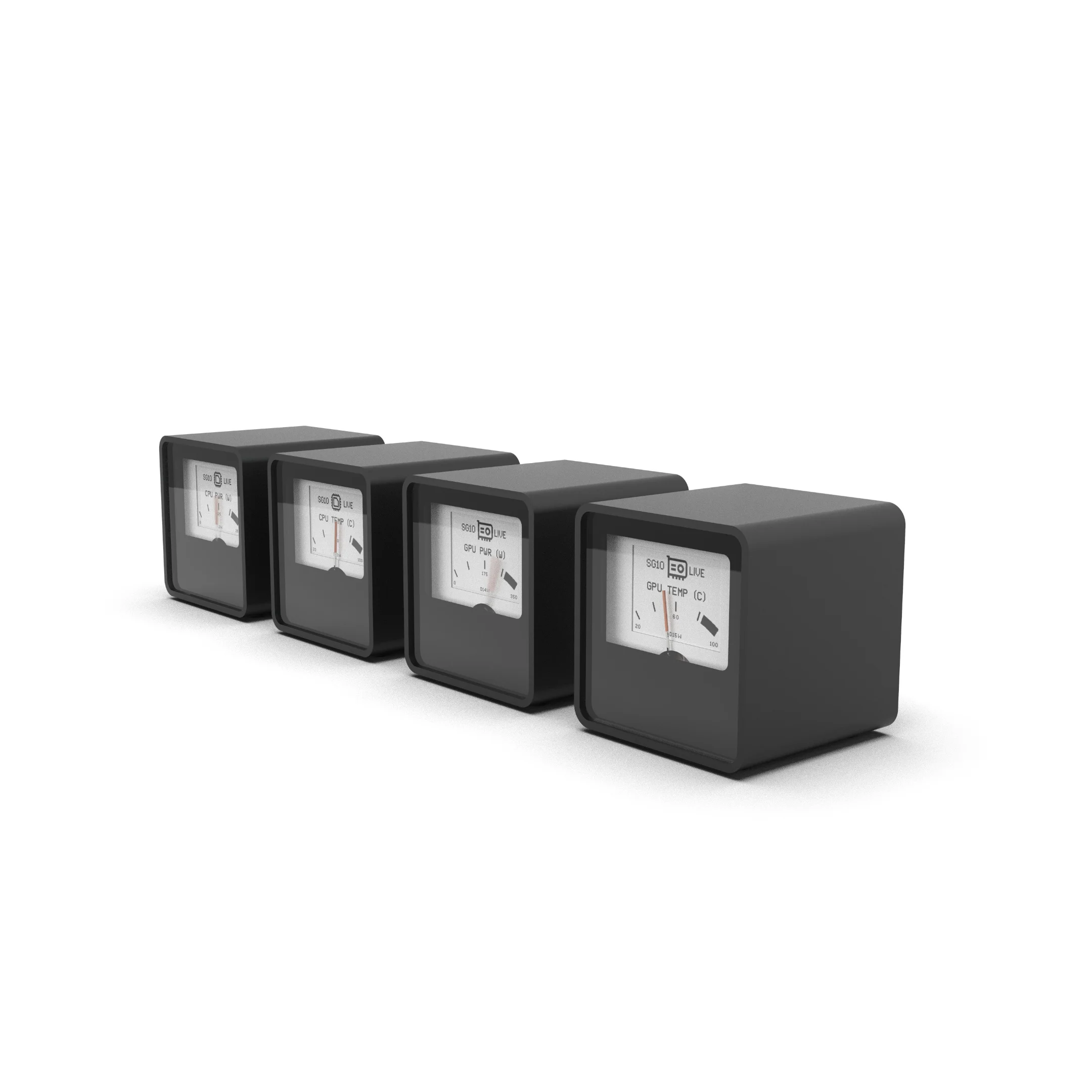
I am beyond excited to announce that this year at Computex 2023 trade show you will be able to see VU1 Dials live at Streacom booth!
For those of you who are not familiar, VU1 Dials project is an “evolution” of the Analog Dashboard project from late 2019. Shortly after that Audiophile Style did a CAPS Twenty project which used the same gauges for their build and incorporated them into Streacom DB4 enclosure.
The VU1 dials project is being developed in collaboration with Streacom and was inspired by project CAPS project which used analogue dials to show network, RAM, CPU and GPU activity.
The initial idea was to create a similar kit to display standard PC hardware information and announce it at the Computex 2020 trade show. Unfortunately Computex 2020 was canceled because of the pandemic. But that did not stop us! We continued to work on the project and it quickly evolved into a highly flexible and more versatile product that was capable of relaying virtually any information from any source.
Update: VU Dials are now available for purchase at Streacom shop.
4 CommentsIn this project we have built a Multifunctional Eink Gadget that can work as multiple different “things”. As an example we have implemented a 6, 12, 20 sided dice feature and also a simple hero dashboard. While this project is a very simple example on how you could use eink display in very low power application, you can easily take it as a starting point and expand it even further. The board also has a Bluetooth Low Energy capabilities, so it is possible to communicate with other devices and also integrate everything into a much bigger system.
Leave a CommentCamera slider is a great tool that in the hands of a great video maker allows them to create amazing time-lapse videos, move the camera to follow the subject or move the camera around to highlight a fixed subject. Unfortunately, I am not a great video maker. However I am a maker and making my own camera slider sounds like a ton of fun! That is why I decided to make my own WiFi enabled camera slider. Using the 2020 Aluminium extrusion and few off-the-shelf components allows the camera slider to be as long or as short as we need it, while being very sturdy and also lightweight for carrying around or mounting on a tripod. We can then use built in WiFi connectivity to control and program the camera slider to have a very precise and repeatable camera movements.
80 CommentsIn the past, I’ve used several filament dry boxes, but none of them had all the features that I wanted or even what I thought every filament dry box should have by default. So I decided to make my own. As always all the source files are available in case you decide to build one for yourself. But either way, you can watch the video and maybe pickup few ideas and improve on them. So, let’s make an awesome controller for 3D printing filament dry box!
43 CommentsBuild watering system for house plants. In part three of this video series we will create automation for our system.
2 CommentsBuild watering system for house plants. In part two of this video series we will create a central unit for our system.
14 CommentsBuild watering system for house plants. In part one of this video series, we will create a sensor that measures soil moisture, ambient temperature and light.
6 CommentsI’ve used off-the-shelf wireless charging kit to add wireless charging to my Logitech MX Master 2S mouse and Lenovo keyboard. It’s easy, fun and also very convenient.
Leave a Comment